Lorky`s Blog - Techno ressources and general informations for everyone !
Note
All blog links are archived here.
0365 - Exchange Online X-Sender Spam Problem
October 3, 2019, 9:17 pmHi everyone !
Today I wanted to share a strange problem I found in 0365. It seem really easy to bypass the antispam filter with the x-Sender property if you know how.
An example of a spam that went-tru.
This email was not tagged as spam, and the sender and the receiver thought they were in the same compagny. Both contoso.com email alias are hosted in 0365. You can see the x-sender there that it was not the case..
X-Originating-IP: 192.3.186.164
User-Agent: Workspace Webmail 6.9.59
Message-ID: \......@email23.godaddy.com\
From: Jacky \jacky@contoso.com\
X-Sender: cchj712@adm1ncare.com
Reply-To: Jacky \joshua.braga@aol.com\
To: \Mich@contoso.com\
To note the SPF record was setup correctly and was strict, but strangely 0365 check the SPF record of the x-sender, not the sender property ..
The SPF check was tricked that way;
Authentication-Results: spf=none (sender IP is 68.178.252.172) smtp.mailfrom=adm1ncare.com; contoso.com; dkim=none (message not signed) header.d=none;contoso.com; dmarc=none action=none header.from=contoso.com.com;compauth=fail reason=601
Received-SPF: None (protection.outlook.com: adm1ncare.com does not designate permitted sender hosts)
As you can see the SPF check was done on the x-sender email address, adm1ncare.com, not the contoso.com
To resolve the issue I had to a antispam strategy and to make it stricter.
That way into your 0365 admin portal;
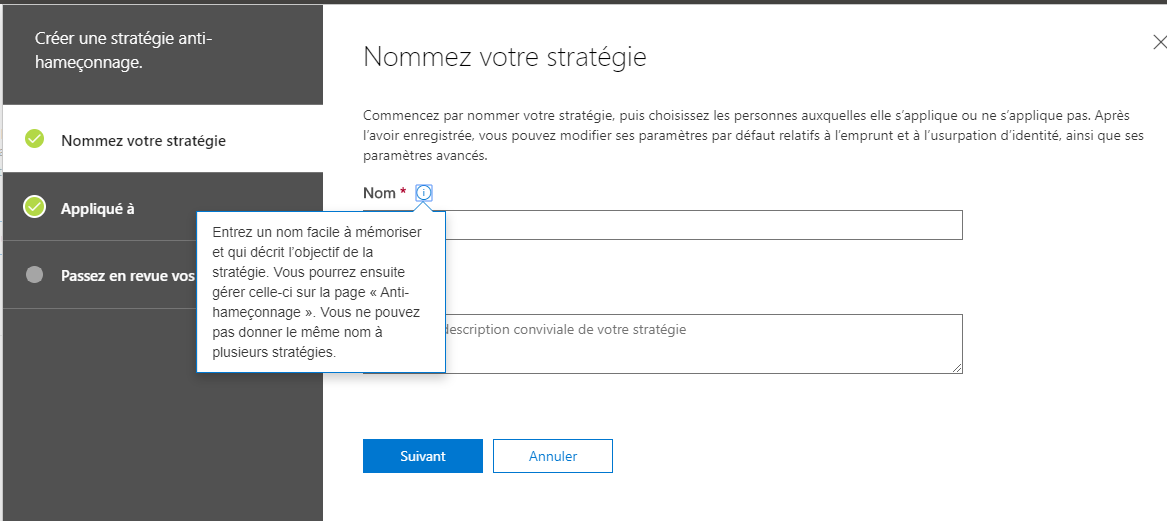
You create a antispam strategy, name it;
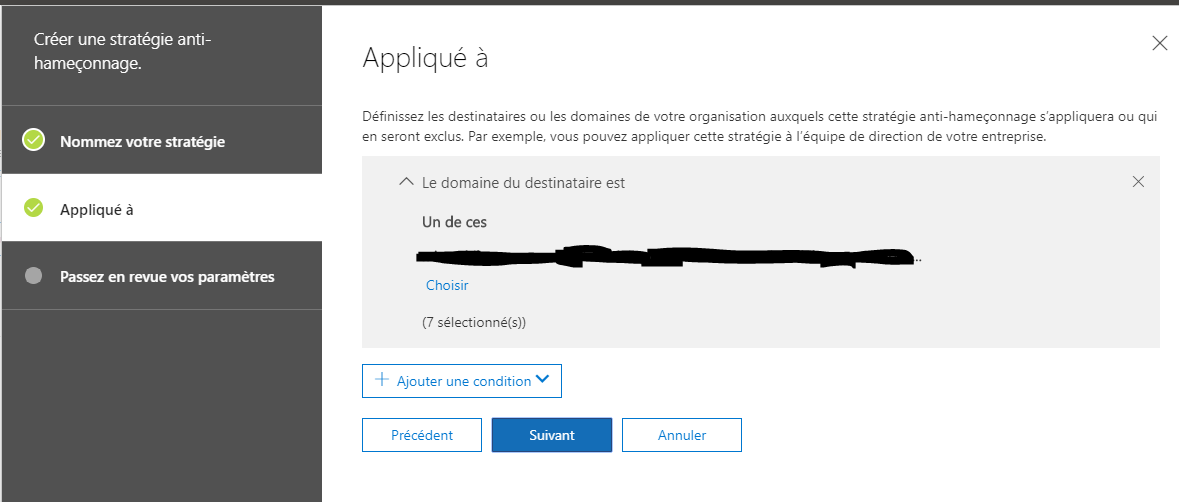
You then apply it to your accounts;
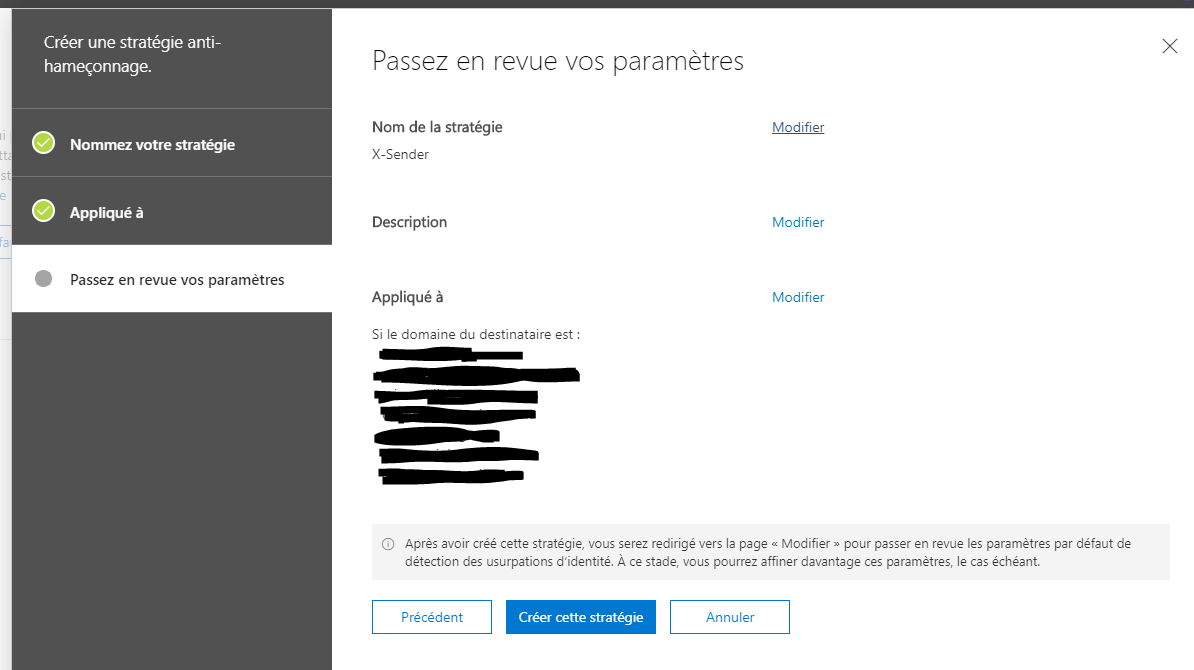
Click to create the strategy.
Thanks everyone, a small tip it's, but come handy if you receive spam/phishering email a lot, as it's not a default option ticked.
Active-Directory - Invoke-InternalEnsureADDSComponentInstallState not recognized - DCPromo
October 2, 2019, 8:41 pmHi everyone
Today I wanted to share a error I stumbled into this week.
It's after adding the ADDS's roles, in the dcpromo wizard, A Invoke-InternalEnsureADDSComponentInstallState is not recognized.
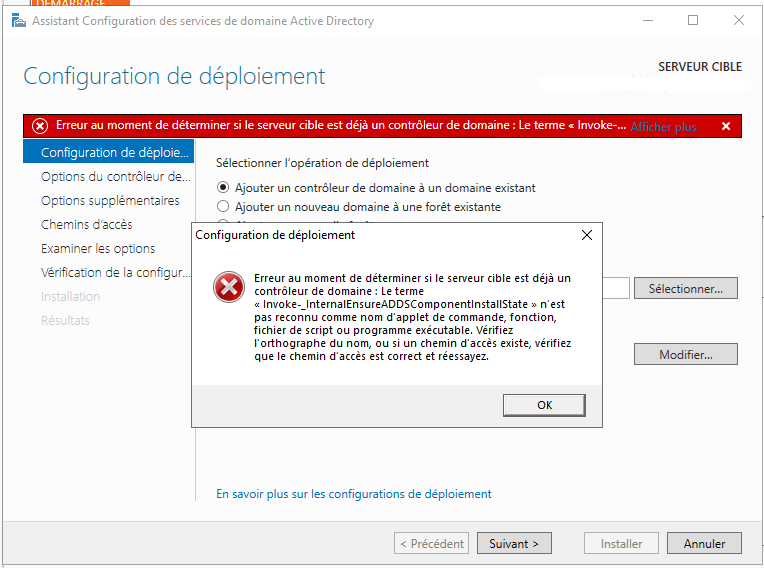
It happened to me on a Windows Server 2019.
The error was resolved by;
- Removing the dotnet feature
- Restarting
- Removing the ADDS role
-Re adding the ADDS role
- Re-running the wizard.
Kinda an easy fix, but not many people stumbled into that bug as I found almost no ressource that talk about it.
Enjoy the tip ! Thanks everyone
Edit : I had a comment that the step can break the ServerManager and other tools. I can share the link the user gave as it's good information, more for 2016. https://superuser.com/questions/1183705/install-net-framework-4-or-4-6-in-windows-server-2016
I confirm in my test ServerManager still work and I didnt seen anything broke, but it's in 2019 I did it.
Windows Server - Bitlocker - Unlock Drive
September 7, 2019, 12:00 pmHi everyone
I wanted to share a small tip today.
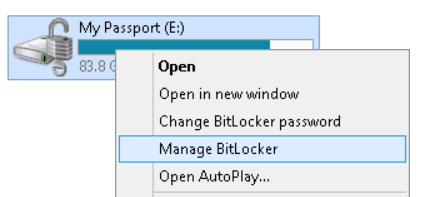
If you happen to have some encrypted disk with bitlocker, and you need to unluck them inside your Windows Server you might notice the unluck's option is not there by default.
You need the Feature BitLocker Drive Encryption
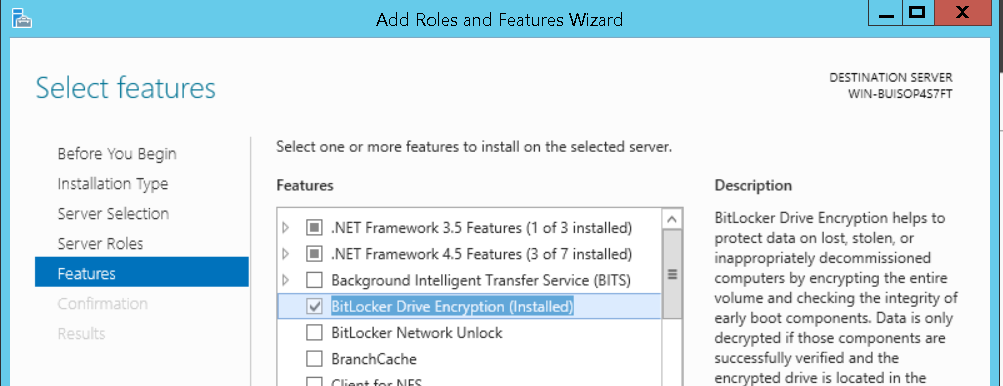
After the feature is added, you will have available all the BitLocker's option inside Explorer.
Thanks for listening to that small tip ! :)
BASH – Determining that a variable is empty
August 1, 2019, 8:50 amCan`t open the MMC .. MMC can’t open C:/Windows/System32/services.msc
July 23, 2019, 5:00 pmHi everyone !
Today I wanted to share a quick and handy tip.
If you are stuck with a bug that your MMC don't want to open, services.msc in my example, don't forget you can clear the MMC cache to give it a chance to re-open.
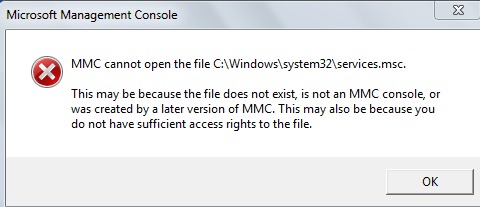
To fix it open up MMC.exe, and select that; File->Options->Disk Cleanup->Delete Files
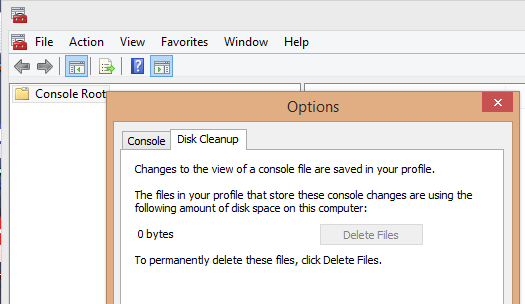
After that the MMC would load more easily and most of all without errors.