Lorky`s Blog - Techno ressources and general informations for everyone !
Note
All blog links are archived here.
OneDrive on Local Account ?
March 6, 2018, 6:49 pmHi everyone
Today I will share a marvelous tool to use OneDrive / SkyDrive if you use a local account, or an domain account.
The tool is named syncDriver.
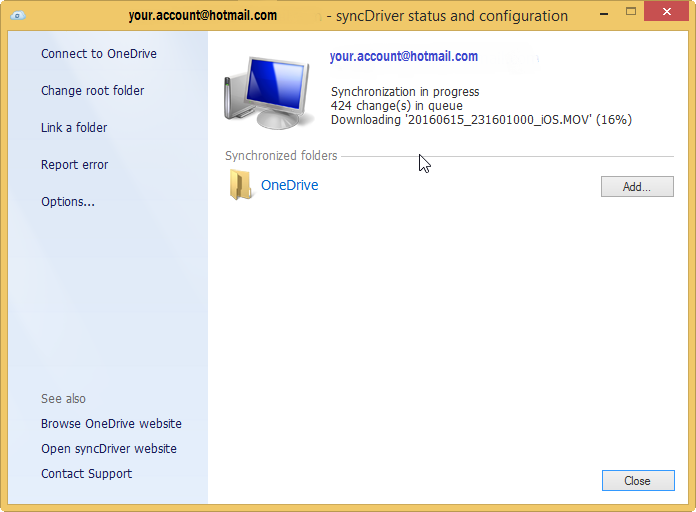
A side note the login option no longer work in the application, but an alternative login work as it directly open onedrive's website.
After that you can map a letter to the root folder you defined.
The official website is dead, as such I offer a link there to the wayback machine to download the tool.
or home hosted
Windows Server 2016: Shared Access Database Getting Corrupt on SMB
February 19, 2018, 9:17 pmHi everyone
Today less and less people use msaccess, but some still, and some still use multiuser database.
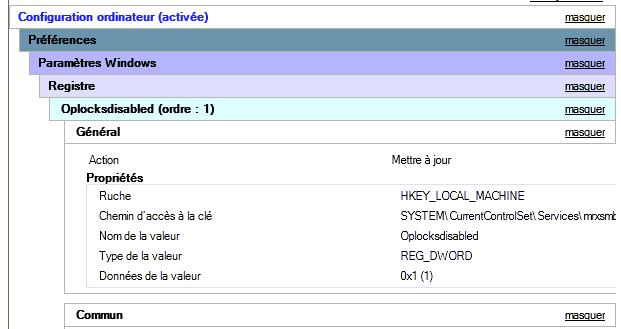
In such case after Windows 2008 R2 it can cause problem with new layer of SMB version, that allow oplock to be used, thus it can cause bug from the Access GUI, or even corruption of the data file.
To disable, on the server :
HKEY_LOCAL_MACHINE\System\CurrentControlSet\Services\MRXSmb\Parameters\
OplocksDisabled REG_DWORD 0 or 1
Default: 0 (not disabled)
HKEY_LOCAL_MACHINE\SYSTEM\CurrentControlSet\Services\LanmanServer\Parameters
EnableOplocks REG_DWORD 0 or 1
Default: 1 (enabled)
To be disabled at 100% let's do the client's computers too. Easily with a GPO
Exchange 2016 - You don`t have permission to perform this action (OWA)
February 5, 2018, 9:01 pmHi
If you receive the error You don't have permission to perform this action while any user try to send an email, then you are in big trouble..

Just kidding.
Some FAQ tell to go check the server DNS setting, to be sure it's only internal's DNS server listed there, but I found another cause for that problem.
It can happen when you do a CU (Cummulative Update) and the service get stuck in a Inactive state. No windows event log are logged too when such happen and your receive connector can still connect on port 25, but the server just look to do nothing.
To validate please run that powershell commandlet;
Get-ServerComponentState
You can see some component in inactive state;
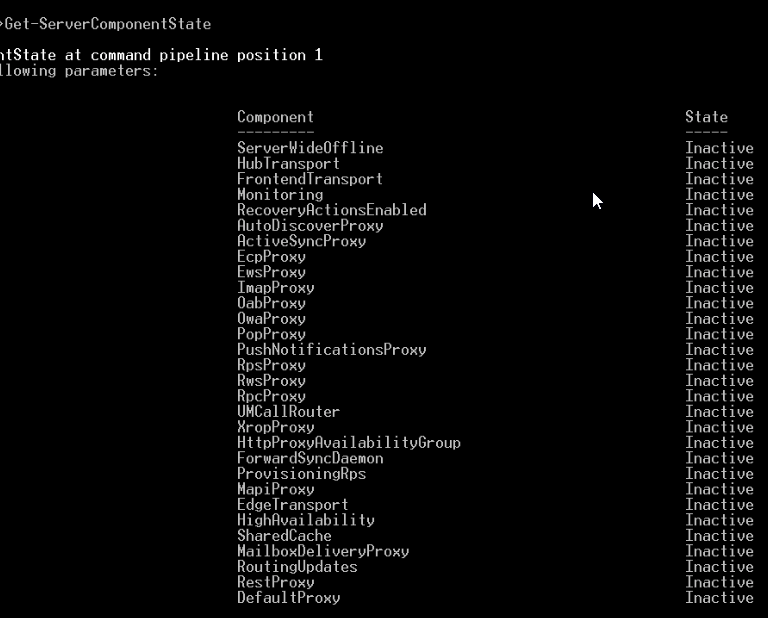
At this point you can put each component active, by issuing that command;
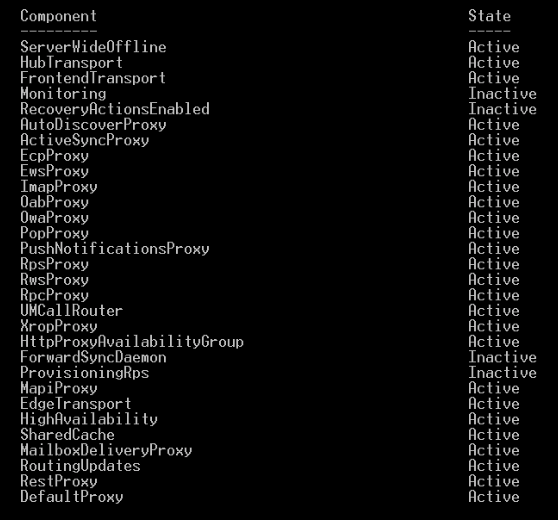
Set-ServerComponentState -Identity ServerName -Component HubTransport -State Active -Requester Functional
After all component are active it should be listed more like that;
Thanks
Quick tip to change the default search engine from Internet Explorer, bing to google
January 19, 2018, 12:53 amHi everyone
Today I will show a small tip to change bing to google for your new tab in Internet Explorer.
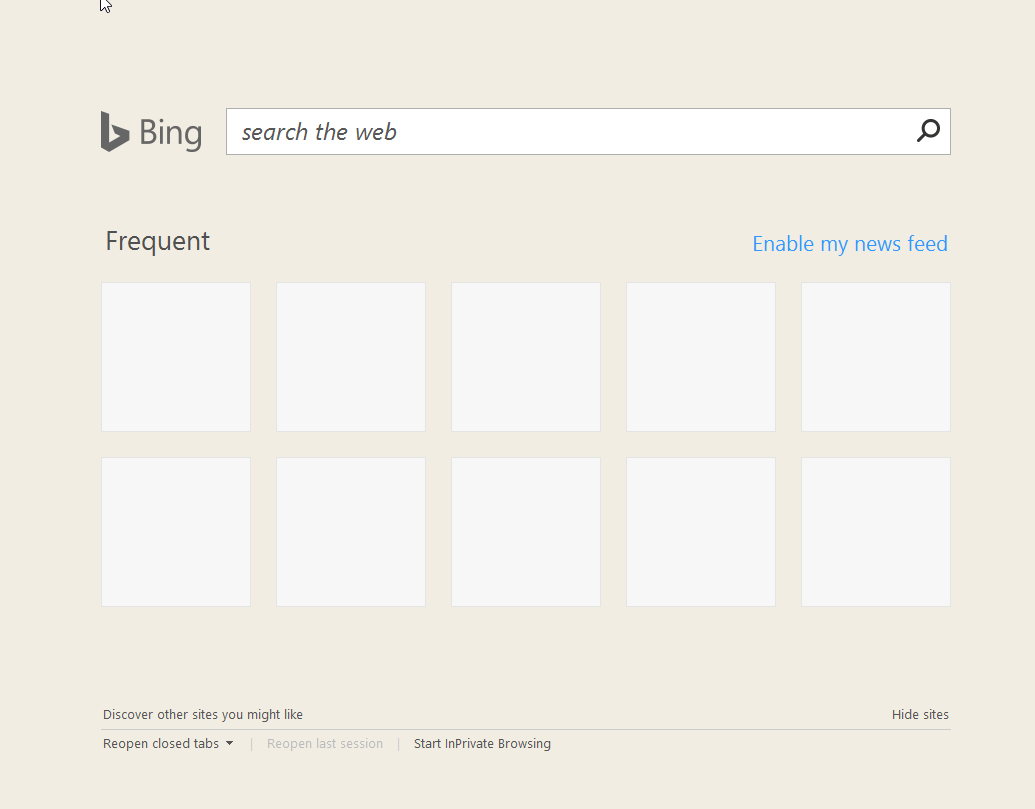
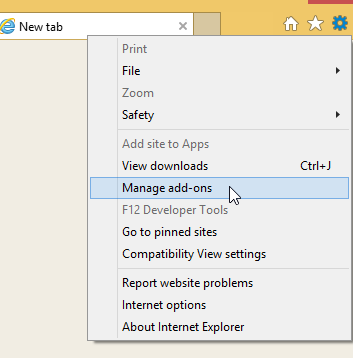
First you go select Manage add-ons
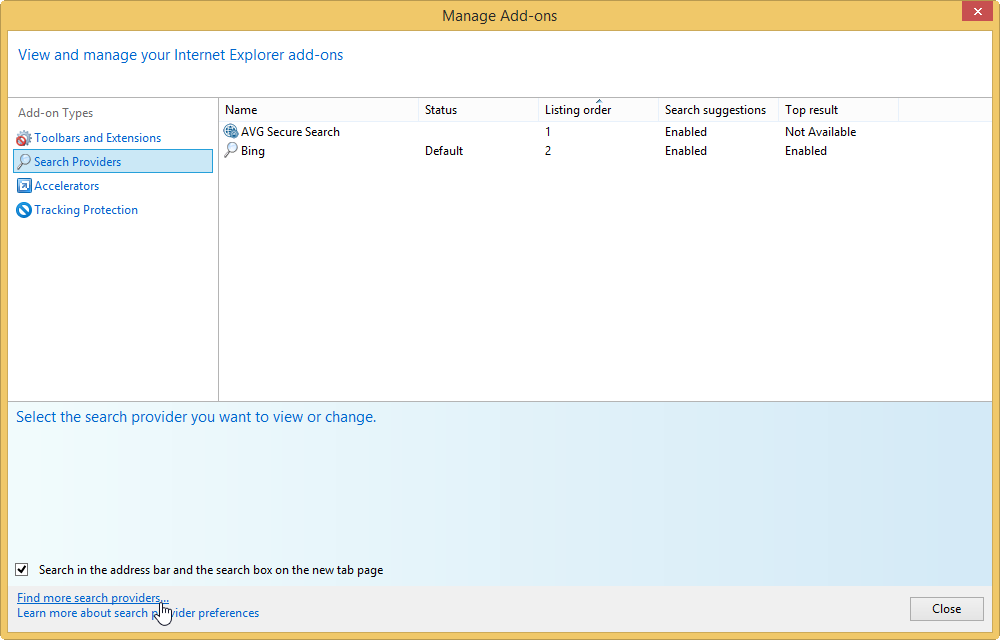
You click Find more search provider
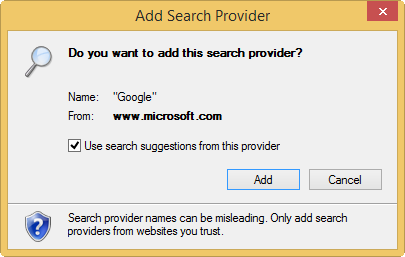
You select Add on Google Search

You click Add again
In the add-ons's windows, make sure the Default is set to the one you want
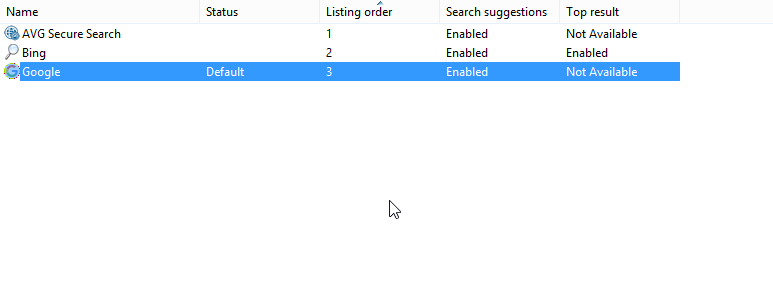
Now you should be ok to change the search provider !
Meltdown / Spectre quick check and update status
January 4, 2018, 1:08 pmA quick way to see if you are at risk for CVE-2017-5754 (Meltdown) and CVE-2017-5715 (Spectre)
PS > Install-Module SpeculationControl
PS > Get-SpeculationControlSettings
If you see those red line you are at risk;
Hardware support for branch target injection mitigation is present: False
Windows OS support for branch target injection mitigation is present: False
Windows OS support for branch target injection mitigation is enabled: False
Windows OS support for kernel VA shadow is present: False
Windows OS support for kernel VA shadow is enabled: False
Now on another note, the patch KB4056892 (OS Build 16299.192) break a lot of Antivirus.
If automatic updates are enabled, the January 2018 Windows security update will be offered to the devices running supported anti-virus (AV) applications. Updates can be installed in any order.
A quick and dirty tip, if the install is installed is to add that registry key for disabling the fix for the time your Antivirus get updated;
Contact your Anti-Virus AV to confirm that their software is compatible and have set the following REGKEY on the machine
Key="HKEY_LOCAL_MACHINE"Subkey="SOFTWARE\Microsoft\Windows\CurrentVersion\QualityCompat"
Value Name="cadca5fe-87d3-4b96-b7fb-a231484277cc"
Type="REG_DWORD”
Data="0x00000000”
Reference:
ADV180002 | Guidance to mitigate speculative execution side-channel vulnerabilities
January 3, 2018—KB4056892 (OS Build 16299.192)